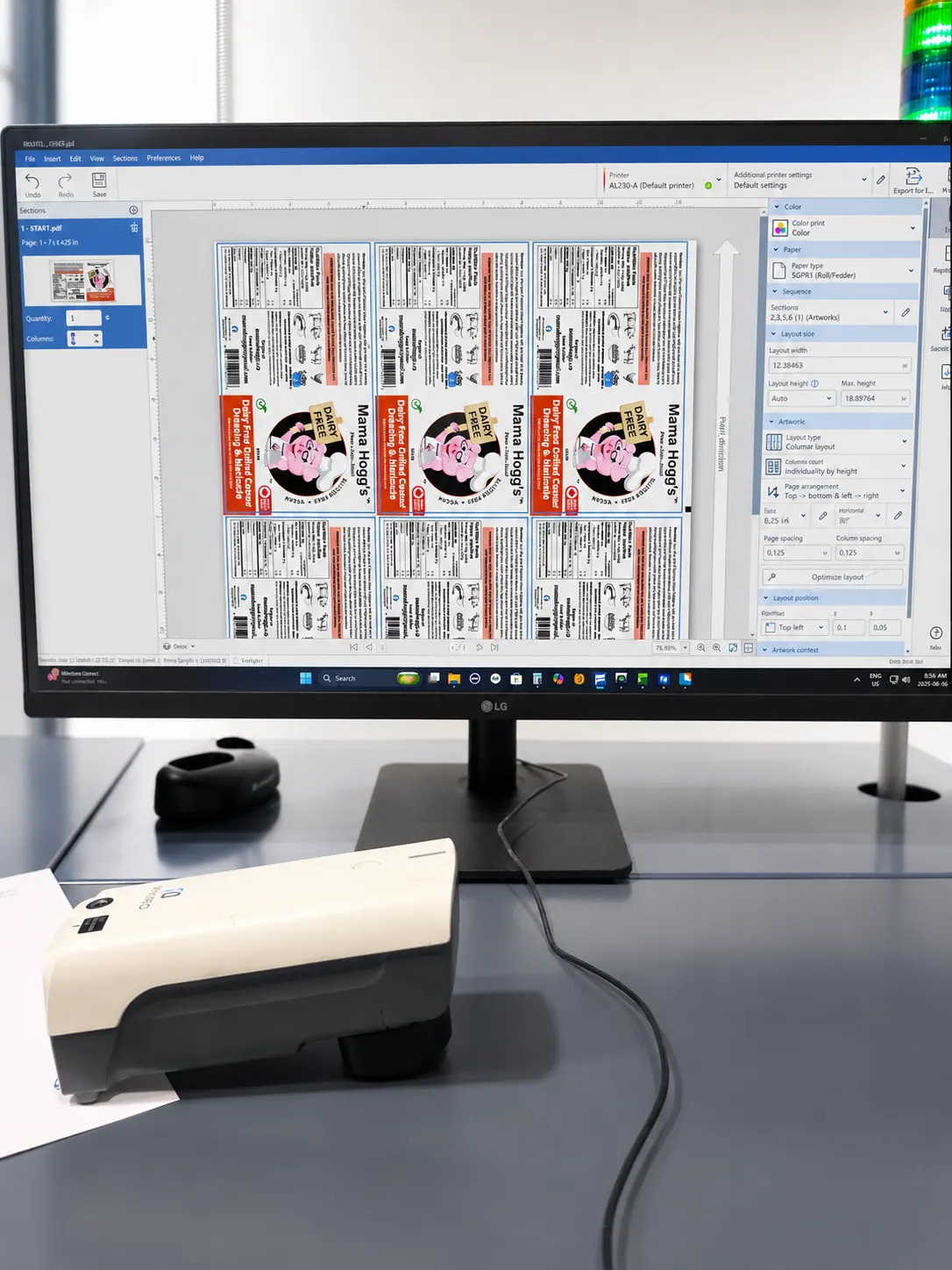
Well-prepared artwork makes quoting, proofing and production more straightforward. Before sending files, confirm the finished label size and gather the original design assets rather than relying on a low-resolution preview.
Build to the finished label size
Set the artwork to the intended label dimensions and identify the required shape. Extend backgrounds and images beyond the trim edge so small production tolerances do not leave an unintended white edge.
Keep important text, borders and logos comfortably inside the cut line. Very tight borders can make minor movement more noticeable, especially on small labels or custom shapes.
Supply usable text and images
Use high-quality images at their intended printed size. Web graphics and screenshots are often too small for clean print reproduction.
Include fonts or convert final text to outlines when appropriate, while retaining an editable master file. Check small type carefully and avoid making required product information difficult to read.
Identify colour and special content
Communicate important brand-colour expectations and provide reference values or samples when available. Screen colour is not a reliable printed reference by itself because displays vary.
Keep barcode, QR-code, sequential-number and variable-data areas clearly identified. Supply changing information separately in an organized data file instead of embedding every version manually.
Use the proof as the final checkpoint
Review spelling, dimensions, layout, codes, quantities and variable fields on the proof. Check the proof at actual size rather than only zoomed in on screen.
Proof approval confirms what will move into production. If the package or application has changed, raise that before approval so the label construction and artwork can be reviewed together.
Project inquiries
Ready to discuss your labels?
Tell us about your label size, quantity, application and artwork. We’ll review your requirements and help determine the right next step.